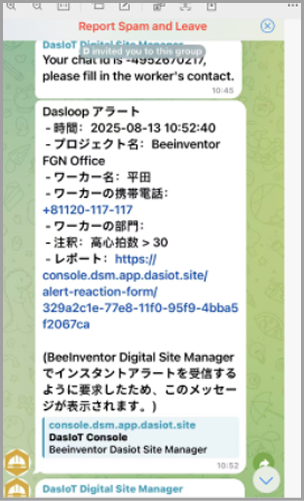
Telegram Configuration Steps
1. Please download and install Telegram on the App Store or Google Play Store

2. Log in to Telegram
- First, log in with your Telegram account.
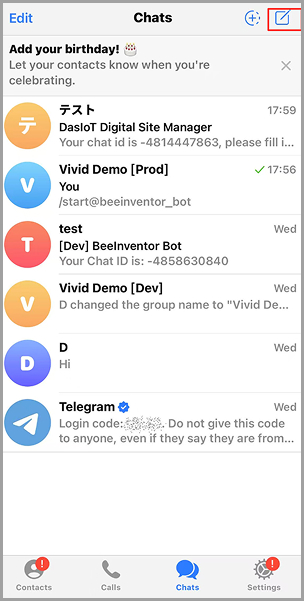
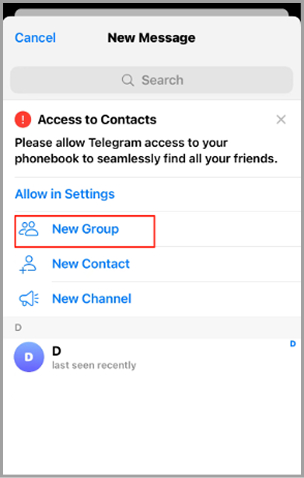
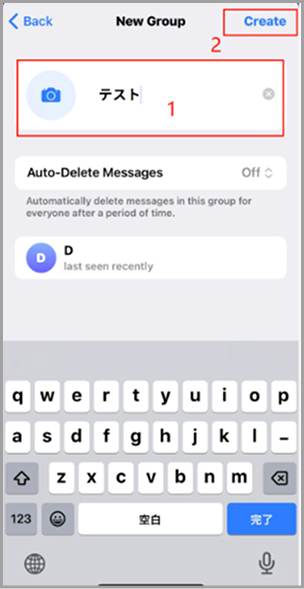
3. Create a Group
- Create a new group.
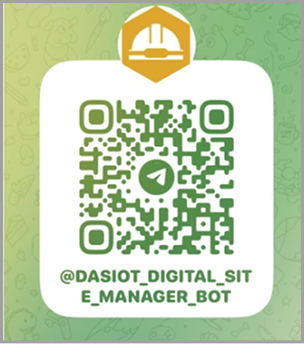
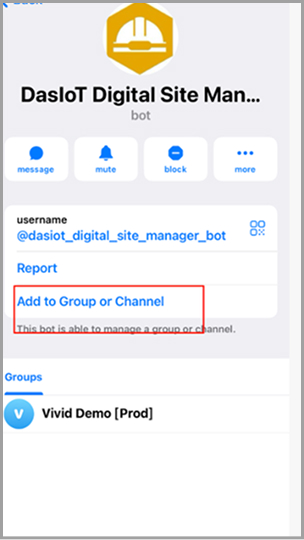
4. Add a Beeinventor account via QR code and add it to the group
- Please add the following accounts to the group you created
5. Enter the command in the group
- Please enter the following content in the group: /start
6. After Execution, a set of numbers with a "-" symbol will be displayed
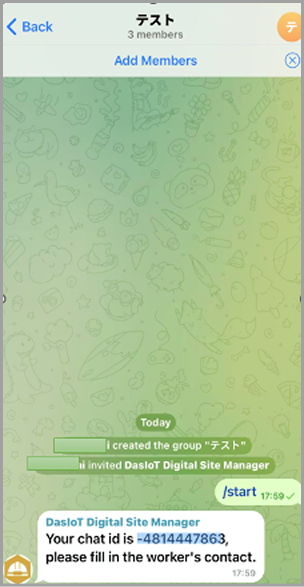
7. Copy the displayed numbers
- Please copy the set of numbers with a minus sign (-) in its entirety
8. Set up on the DasIoT platform
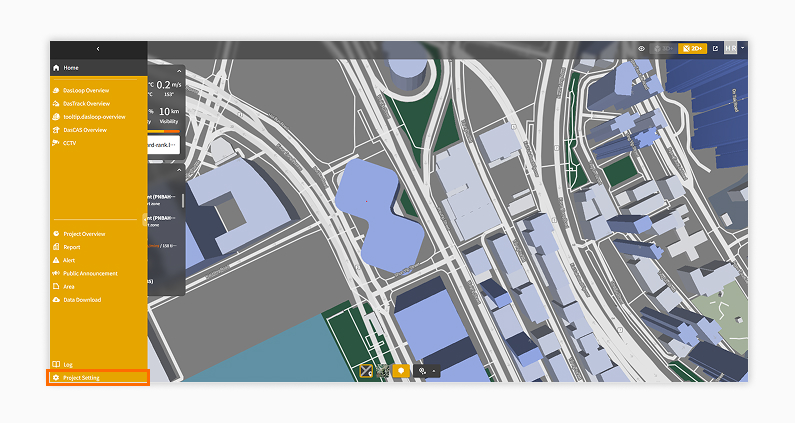
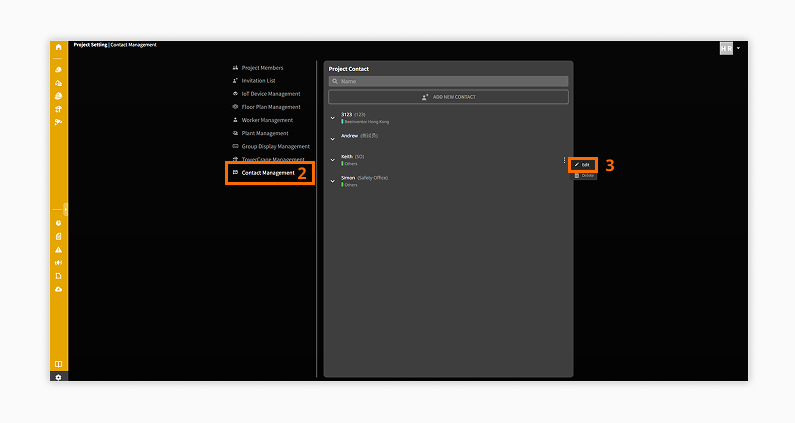
- Click on "Project Settings"
- Open the “Contact Management” page.
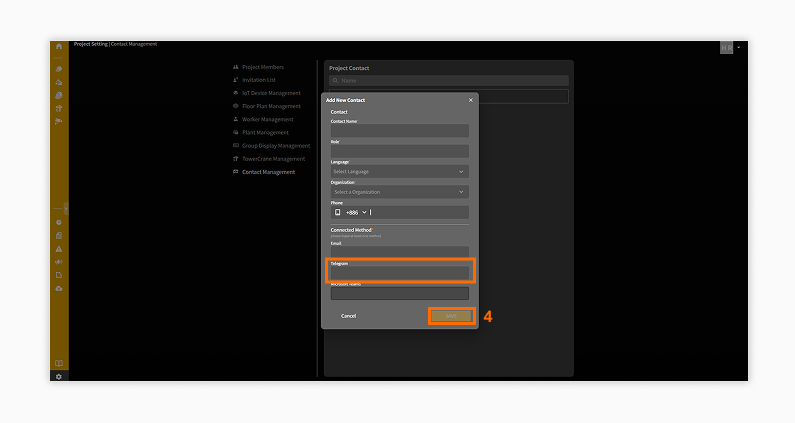
Paste the copied number into the corresponding person's contact settings page.
9. Confirm Alert Notifications
- After the settings are completed, you will receive alert notifications on Telegram when an alert occurs on the platform